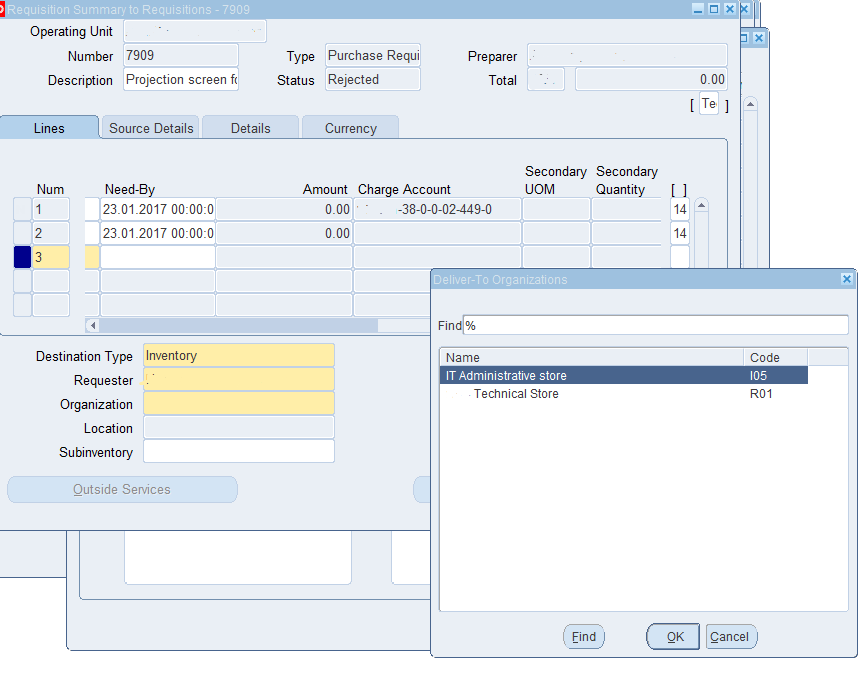
When PR is created for the certain item, the item should be assigned for this organization first.
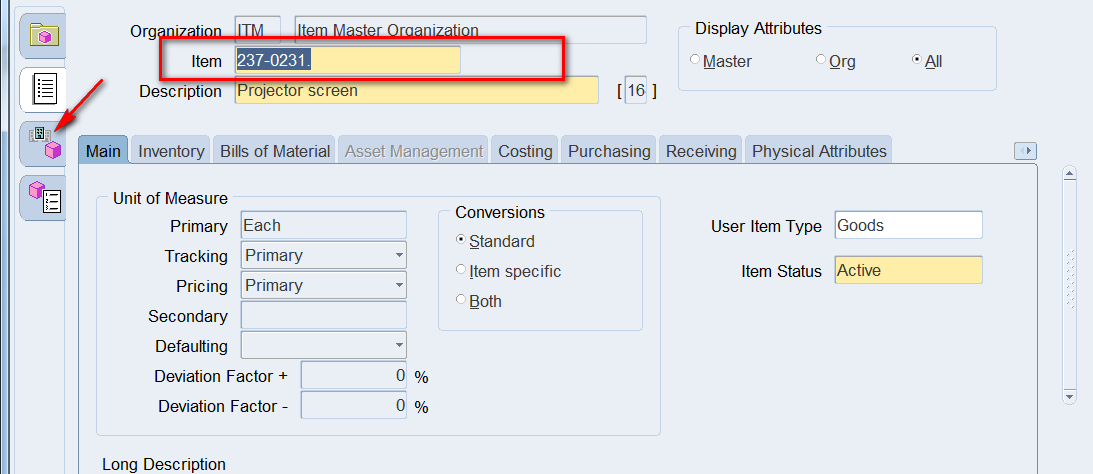
Go to Inventory> Items>Master Items
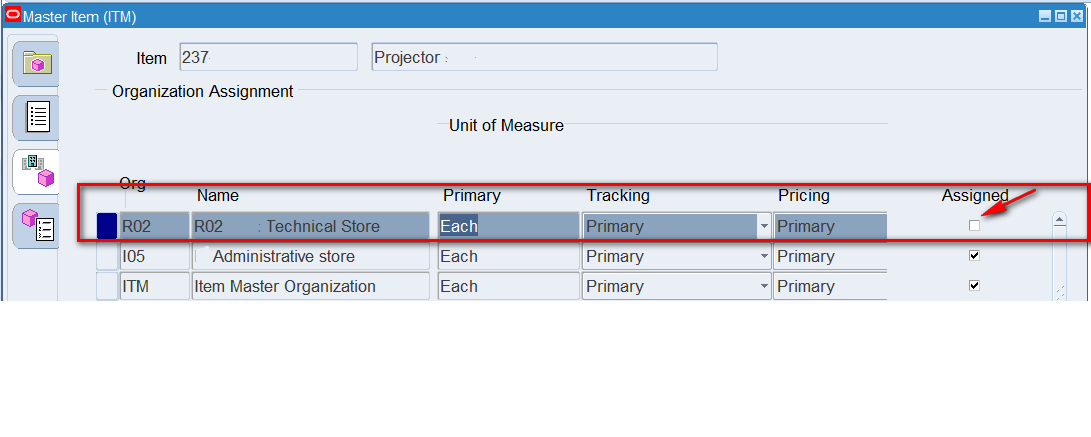
Search for the Item> Go to Organization Assessment folder:
As it is seen above, the item is assigned to other organization but not to the one we need.
So click on the box for it to be assigned and pop up in Organization list while creating PR.
No comments:
Post a Comment